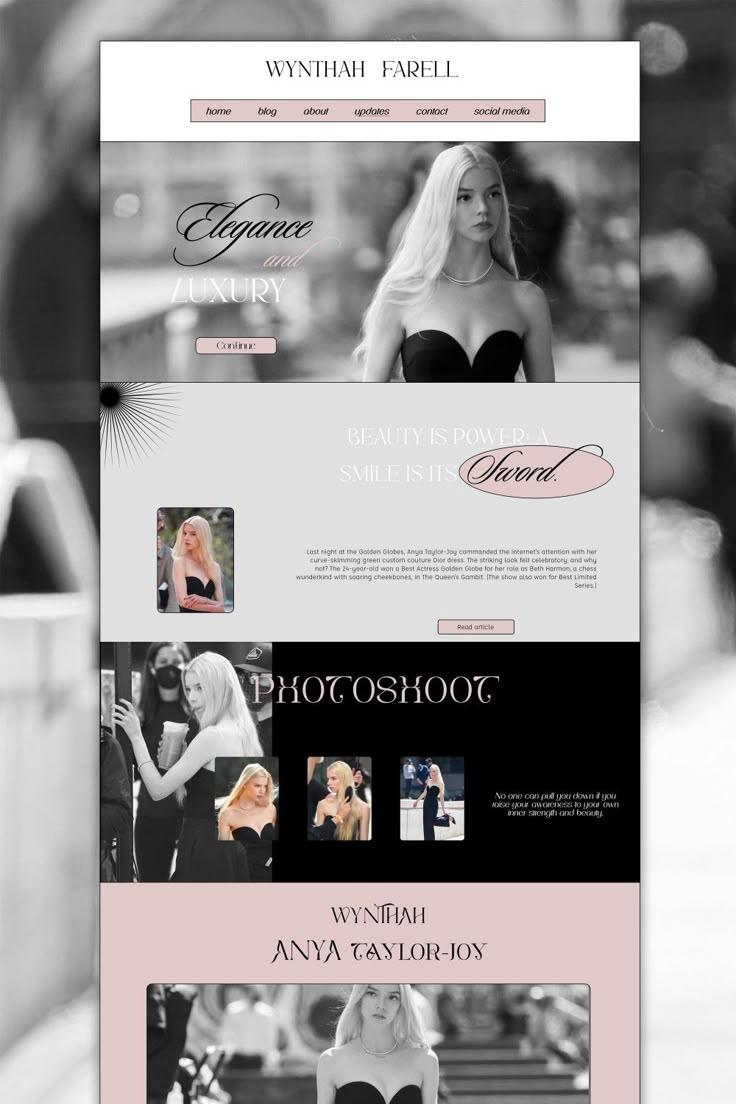
A well-crafted website plays a crucial role in its success. An eye-catching design and smooth performance can instantly capture visitors’ attention, encouraging them to explore your content and build a lasting connection with your brand.
While hiring a professional web designer is an option, it can be costly. Fortunately, modern website builders and design tools have become more accessible and budget-friendly, allowing you to create a stunning website on your own.
This guide will walk you through designing a website without prior technical experience. Whether you’re launching an online store or showcasing a digital portfolio, we’ll cover step-by-step instructions, key web design principles, and inspiring examples to spark your creativity.
PLAN YOUR WEBSITE
Start by defining your website’s purpose. Are you selling products, showcasing a portfolio, or sharing content? Clarify your target audience, business goals (e.g., educate, sell, entertain), desired visitor actions (e.g., buy, subscribe), and tone (e.g., professional, casual). Write down these answers—they’ll guide your design choices.
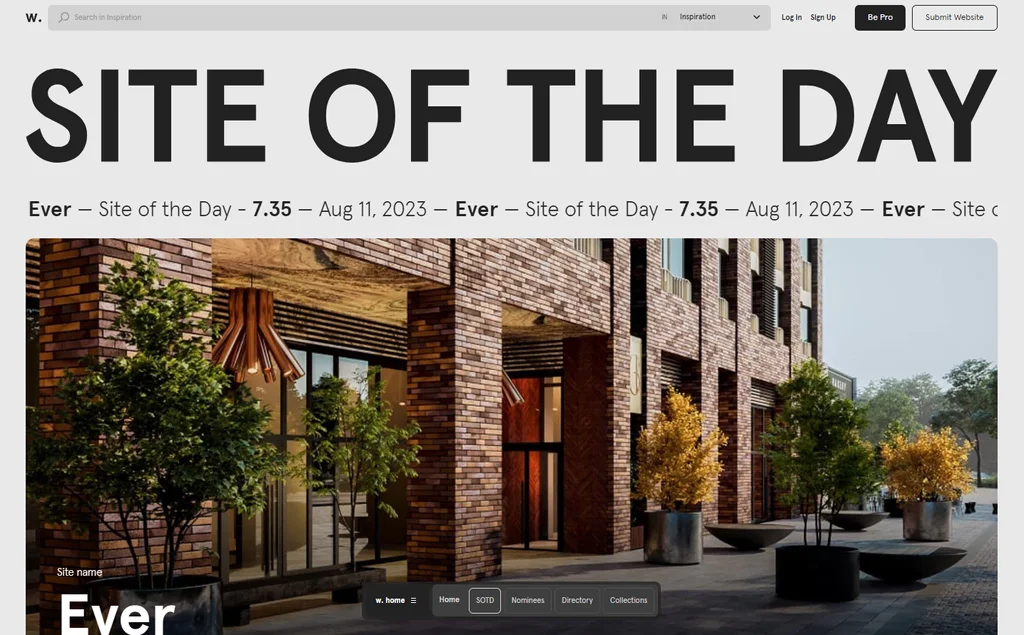
For inspiration, explore award-winning designs on Awwwards, analyze competitors using tools like SimilarWeb, and check current web design trends—applying only what fits your vision.
CHOOSE THE RIGHT WEBSITE PLATFORM

Pick a platform that matches your skills, budget, and goals:
- WordPress: A versatile CMS for all website types. Requires hosting (e.g., Hostinger plans from $2.99-$7.99/month with free SSL and backups). Pros: user-friendly, customizable with plugins like Divi, scalable, affordable. Cons: steeper learning curve; basic coding knowledge helps.
- Hostinger Website Builder: A beginner-friendly, drag-and-drop option included with Hostinger hosting. Offers AI tools (logo maker, content generator), built-in SEO, and eCommerce features—no coding needed.
Next, secure a domain name (e.g., .com for $8.99/year) that reflects your brand or purpose.
CUSTOMIZE THE WEB DESIGN
Align your site’s look with your goals and brand:
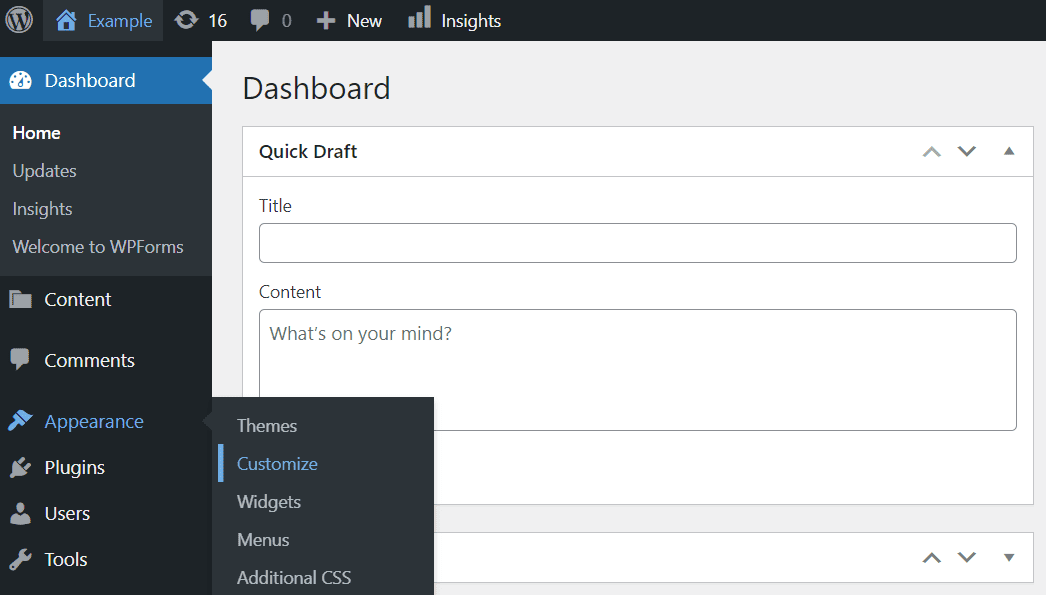
- Theme/Template: Use pre-made layouts (e.g., WordPress themes like Astra or Hostinger’s editor).
- Color Scheme: Choose a dominant color (e.g., blue for trust) and 2-3 complementary shades, plus a neutral background. Tools like Coolors help.
- Logo: Create one with an AI Logo Generator (available in Hostinger).
- Typography: Pick 1-3 fonts (e.g., serif for formality, sans-serif for modernity) for headlines and body text. Examples: Great Jones mixes bold and clean fonts effectively.
SET UP ESSENTIAL PAGES
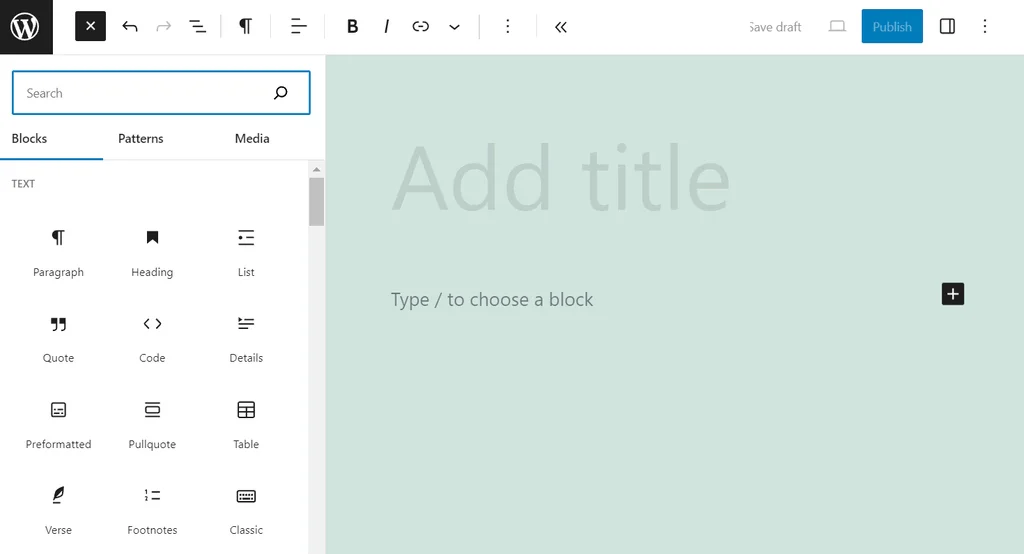
Include these core pages:
- Homepage: Highlight your unique selling proposition with a bold headline and CTA (e.g., Creativity Lab).
- About: Share your story and values (e.g., Solidu Cosmetics adds team photos).
- Contact: Offer clear contact options and a simple form (e.g., Yummy Gum).
- Blog (if applicable): Display posts in a grid or list (e.g., Amor Pela Comida).
- Product/Service: Use filters for catalogs (e.g., Kvietkos) or detailed single pages (e.g., Ester). Add compelling CTAs like Axiology’s “Take the 1 Minute Quiz.”
OPTIMIZE FOR USER EXPERIENCE (UX)
Focus on:
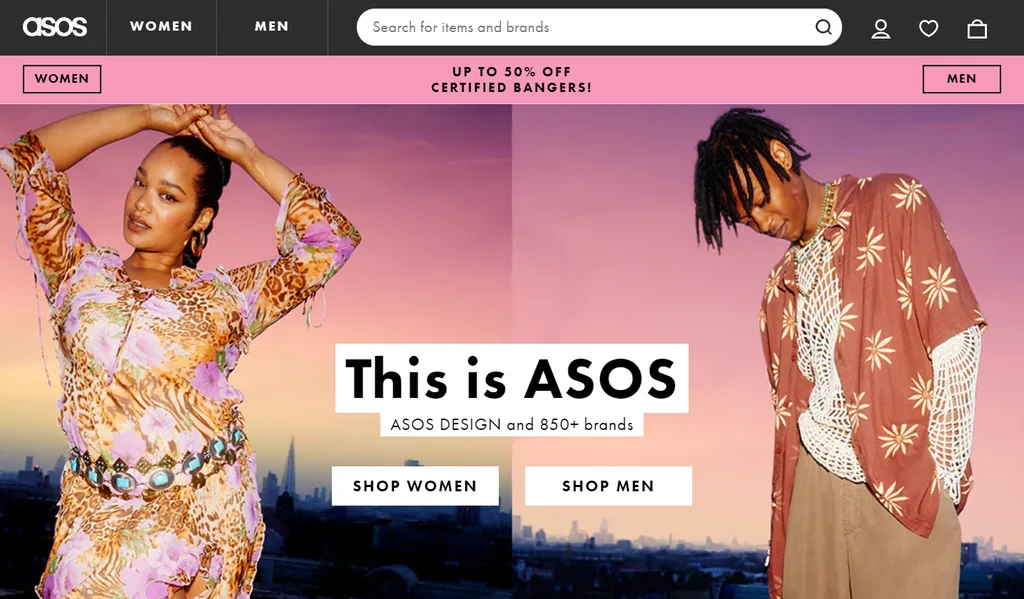
- Navigation: Keep it simple—flat structure or a horizontal/mega menu (e.g., ASOS). Add a search bar.
- Visual Hierarchy: Use a Z-shape layout (e.g., Biennial) and whitespace for clarity.
- Page Speed: Compress images (<500 KB/page), minimize design, and minify code.
- Accessibility: Add alt text, ensure keyboard navigation, and follow WCAG guidelines (e.g., Zara uses EqualWeb).
MAKE IT MOBILE-FRIENDLY
With half of web traffic from mobile, ensure:
- Hamburger menus for space.
- Touch-friendly CTAs.
- Scroll-optimized features (e.g., sticky navigation). Responsive design is key—Google prioritizes it for rankings.
TEST AND LAUNCH
Test usability with friends or A/B testing. Use heatmaps (e.g., Hostinger’s AI Heatmap) to refine layout. Fix issues, then publish.
TRACK AND ADJUST
Monitor performance with Google Analytics (free, integrated in Hostinger): track pageviews, session duration (2-3 minutes is good), conversion rates, bounce rates (20-60% depending on site type), and traffic sources. Tweak as needed.